 Business License

How a POS Machine Works: From Order to Payment in Seconds
A customer walks into a store, picks up a product, taps a card, and leaves with a receipt — all in less than a minute. It feels simple, but a lot is happening behind the scenes.
A modern POS (Point of Sale) machine is like a fast, organized team member that handles pricing, payments, inventory, and record-keeping at the same time. Let’s break down the process step by step.
Step 1: The Order Is Entered
The process begins when the cashier scans a barcode or selects items on the POS screen.
At this moment, the POS software:
identifies the product
retrieves the price from the database
applies taxes automatically
checks for discounts or promotions
updates the shopping cart total in real time
In a restaurant, this step may involve selecting menu items and sending the order directly to the kitchen printer or display system.
Step 2: The Total Is Calculated
Once all items are added, the POS system calculates the final amount. This includes:
subtotal
taxes
service charges (if applicable)
discounts, coupons, or loyalty rewards
The customer then chooses a payment method.
Step 3: Payment Is Initiated
Modern POS machines support multiple payment options:
credit or debit cards
contactless/NFC cards
mobile wallets (Apple Pay, Google Wallet, etc.)
QR code payments
cash
For card and digital payments, the terminal securely reads the payment information. With contactless payments, this often happens with a simple tap.
Step 4: The Transaction Is Authorized
This is the invisible but critical part.
The POS terminal sends encrypted payment data to the payment processor, which communicates with the customer’s bank or card network. The bank checks whether the account is valid and has sufficient funds.
Within a few seconds, the system returns one of two results:
Approved: the payment is accepted.
Declined: the payment is rejected, usually due to insufficient funds or security checks.
Security technologies such as encryption and tokenization protect sensitive card information during this process.
Step 5: The Sale Is Completed
After approval, the POS system finalizes the transaction automatically. It:
records the sale in the database
updates inventory levels
logs the payment method
generates a receipt (printed or digital)
stores the transaction for reporting and analytics
If the customer is part of a loyalty program, points or rewards may also be added instantly.
What Happens Behind the Scenes?
While the customer sees a quick payment process, the POS system is performing several tasks simultaneously:
syncing sales data to the cloud
updating stock counts
tracking employee activity
generating financial records
feeding data into business analytics dashboards
This is why modern POS systems are far more powerful than old cash registers.
Why Speed Matters
Customers expect fast checkout experiences. Studies consistently show that long lines reduce satisfaction and can even lead to abandoned purchases.
POS systems improve speed by:
scanning items instantly
calculating totals automatically
supporting contactless payments
reducing manual data entry
In busy environments like cafés or supermarkets, saving even a few seconds per transaction can make a big difference.
A Quick Real-World Example
Imagine buying a coffee:
The barista taps “Latte” on the POS screen.
The system adds tax and shows the total.
You tap your phone to pay.
The terminal contacts your bank and gets approval.
The sale is recorded, inventory updates, and a digital receipt is emailed to you.
Total time: often under 10 seconds.
The Bottom Line
A POS machine turns a complex chain of pricing, banking, inventory, and record-keeping into a smooth customer experience. From the moment an order is entered to the instant payment is approved, the system works quietly in the background to keep businesses fast, accurate, and organized.
Recently Posted
-
The Role of POS Systems in Hotel Front Desk and Restaurant Management
June 17, 2026In the hotel industry, guest experience is everything. From check-in to dining to checkout, every interaction matter Read More
 -
How POS Systems Improve Order and Checkout Efficiency in Restaurants
June 17, 2026In a busy restaurant, speed and accuracy are everything. A delayed order or billing mistake can affect customer sati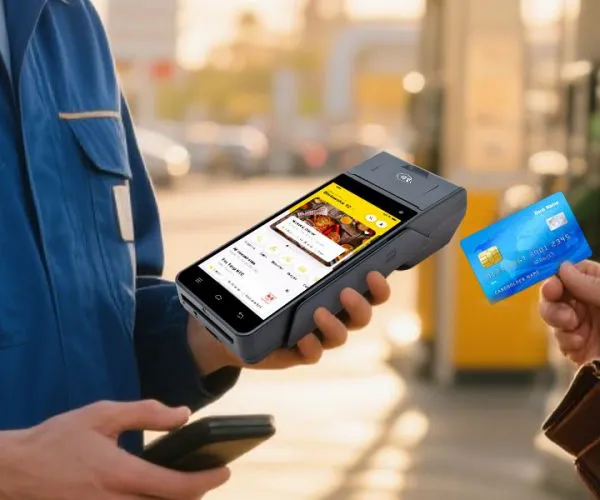 Read More
 -
How POS Systems Help Retailers Manage Inventory and Sales Efficiently
June 16, 2026In today’s fast-moving retail world, managing inventory and sales manually is no longer practical. Customers expect products to be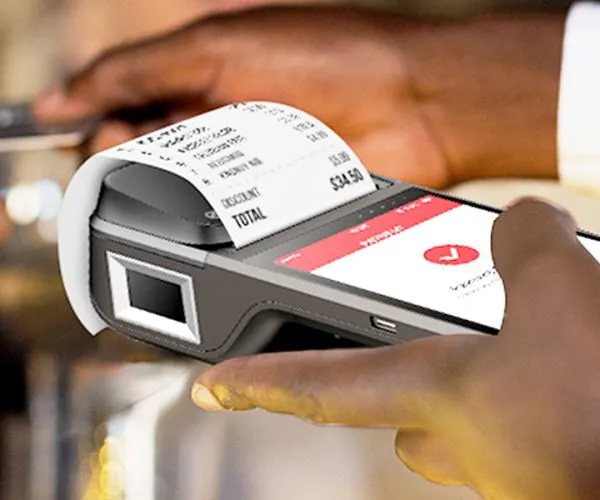 Read More
 -
Payment Options Explained: Cards, NFC, and QR Codes in Modern POS Machines
June 16, 2026Modern POS machines are like multilingual payment translators. Whether a customer inserts a card, taps a phone, or scans a QR code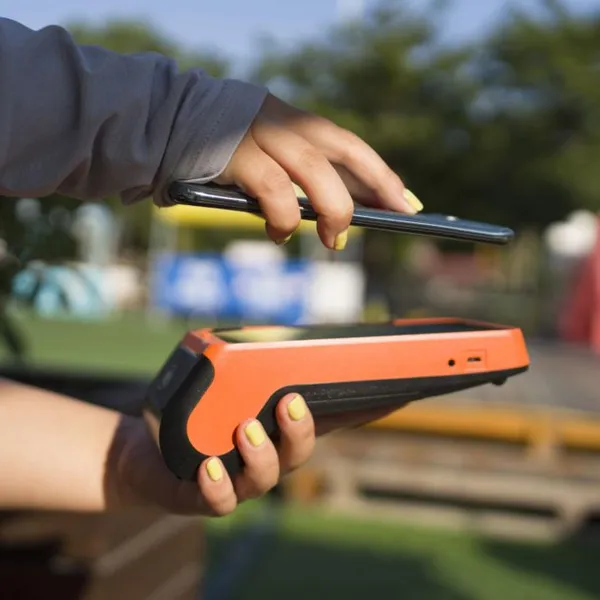 Read More

Contact Us
Recommended Products
-
 Z92P Secure Handheld Payment Terminal,Octa-Core Android POS With Dual SIM Slot,5MP Barcode Scanner Support Fiscal Module for Pharmacy & Kiosk CheckoutUS$ 219 - 260MOQ: 1 Unit
 -
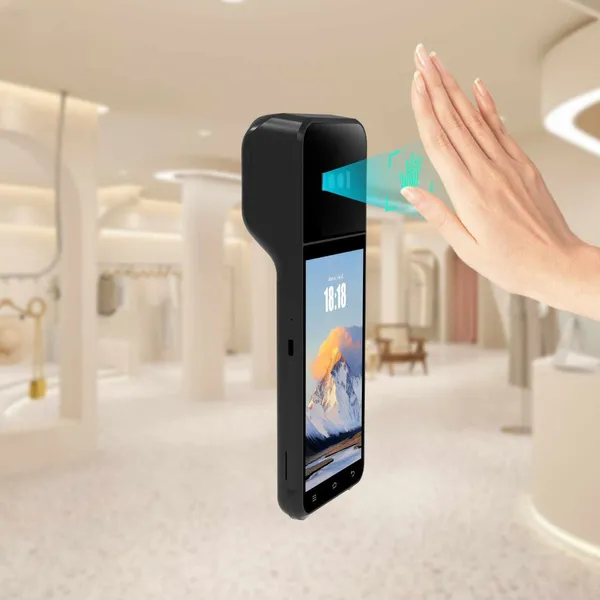
Z92P Portable Biometric POS Cash Register,Built-in Palm Vein Recognition + Thermal Receipt Printer,4G LTE GPS BT for Food Truck & Convenience StoreUS$ 219 - 260MOQ: 1 Unit
-
Z92P Contactless Palm Vein Payment PDA,5.5 Inch HD Touch Screen,EMV PCI Certified MSR IC NFC Reader Compatible With Loyverse IREAP for Small BusinessUS$ 219 - 260MOQ: 1 Unit
-
Z92P Palm Vein Handheld POS Terminal, Android13 All-in-One Machine With 58mm Thermal Printer,NFC 1D/2D QR Scanner 4G WiFi for Retail & Gas StationUS$ 219 - 260MOQ: 1 Unit
-
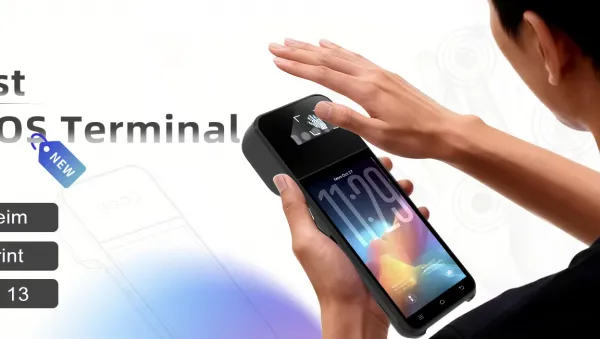
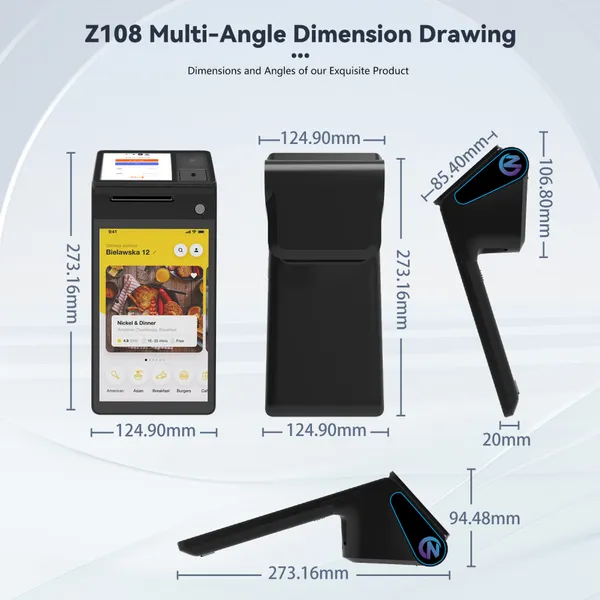
Z108P Secure Palm Vein POS System,Dual SIM PSAM Slot Multi-Port Terminal,EMV CE FCC Certified for Large Retail & Catering BusinessUS$ 219 - 309MOQ: 1 Unit


-
All-in-One Desktop Biometric Payment POS,Optional Fiscal Module & Cash Drawer,58/80mm Selectable Thermal Printing for Beauty & Clothing Chain StoreUS$ 219 - 309MOQ: 1 Unit
-
Z108P Flagship Dual Display POS Cashier Machine,Palm Vein Authentication + 5MP QR Scanner,GMS Certified 4G WiFi BT for Pharmacy & Grocery MartUS$ 219 - 309MOQ: 1 Unit
-
Z108P Contactless Palm Vein Biometric POS Terminal,3GB+16GB Up to 4GB+64GB,5-in-1 Card Reader Multi RJ45 RJ11 Port for Supermarket RetailUS$ 219 - 309MOQ: 1 Unit
-
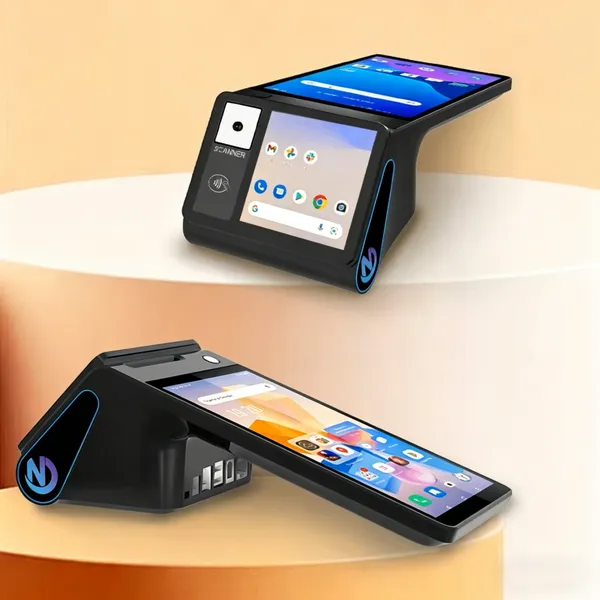
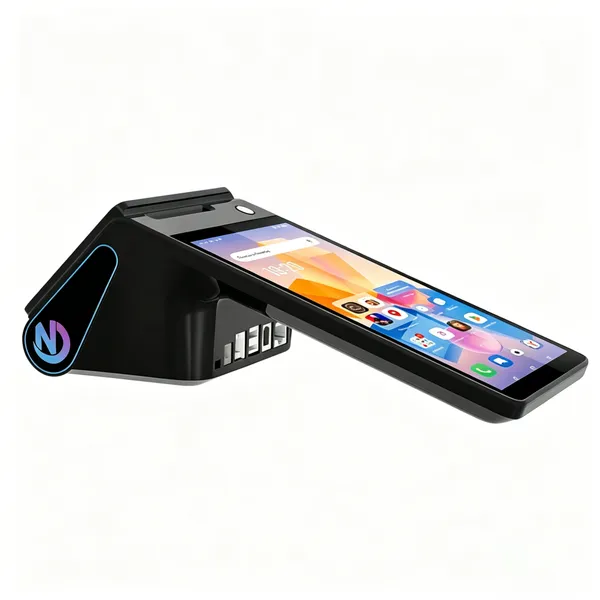
Z108P New Dual Screen Palm Vein Desktop POS,Android14 8 Inch Cash Register With Optional 80mm Auto-Cutter Thermal Printer NFC for Chain RestaurantUS$ 219 - 309MOQ: 1 Unit
-
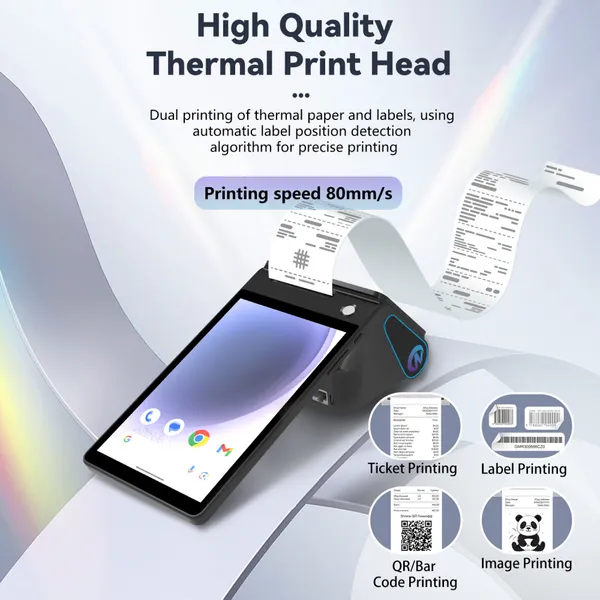
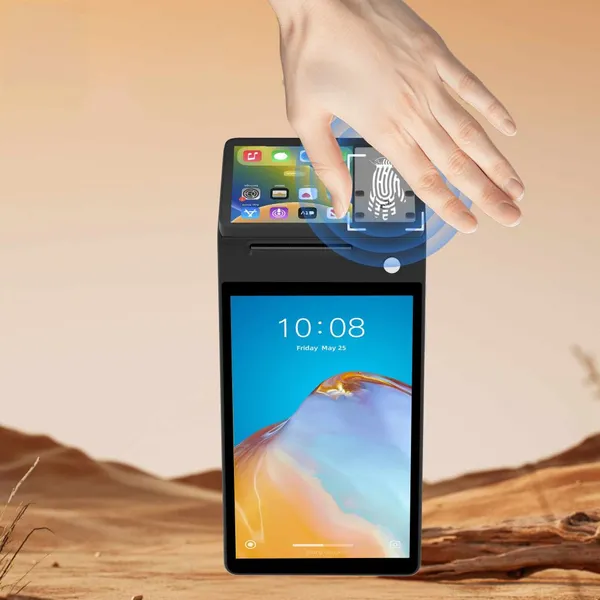
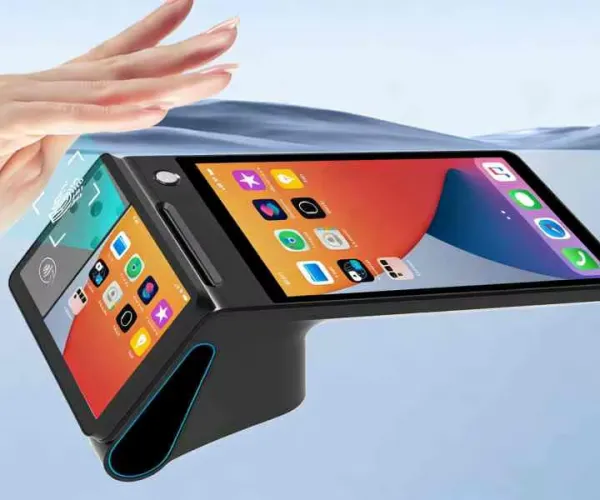
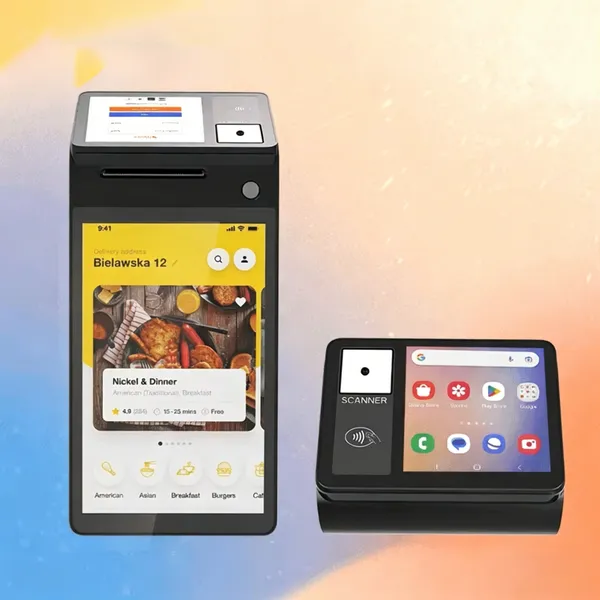
Z108 New Release Android POS Cash Register, Upgraded Thermal Printer 4GB+64GB Storage Wireless 4G POS Compatible With Global Retail POS SoftwareUS$ 219 - 369MOQ: 1 Unit

-
Marhynchus POS Receipt Printer Handheld Thermal Printer Thermal Printing 2GB 16GB WiFi BT 5.0 NFC 4G for Retail Stores Restaurants ZONS BrandUS$ 219 - 369MOQ: 1 Unit
-
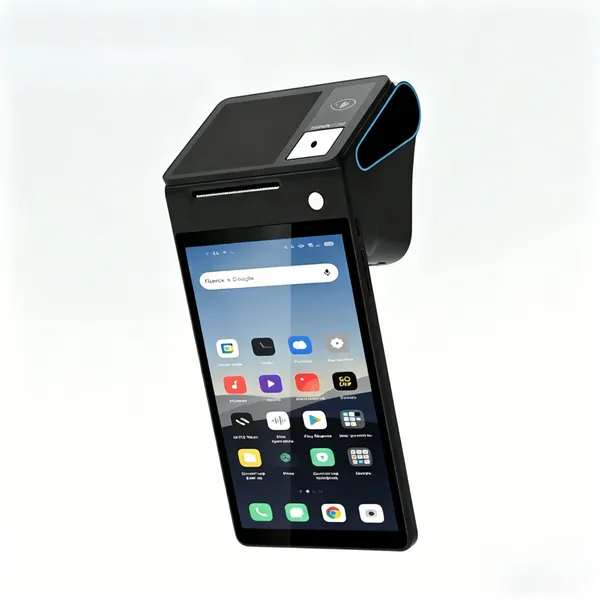
POS Terminal Receipt Printer 2.26/3.95 Inch Customer Screen IPS HD 8 Inch Touch Screen Scanning Thermal Printing Handheld Mobile POSUS$ 219 - 369MOQ: 1 Unit
-
Generic Handheld POS Receipt Printer High Speed 58/80mm Thermal Printer for Efficient Operation, Ideal for Retail Shops,Warehouse ManagementUS$ 219 - 369MOQ: 1 Unit
-
Hard Case Compatible With Square Handheld - Portable POS - NFC Machine Point of Sale Card Reader Travel Case (Black) Z108US$ 219 - 369MOQ: 1 Unit
-
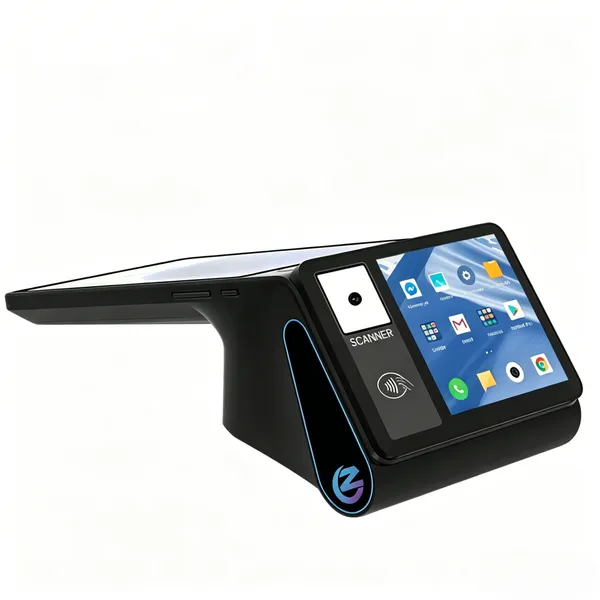
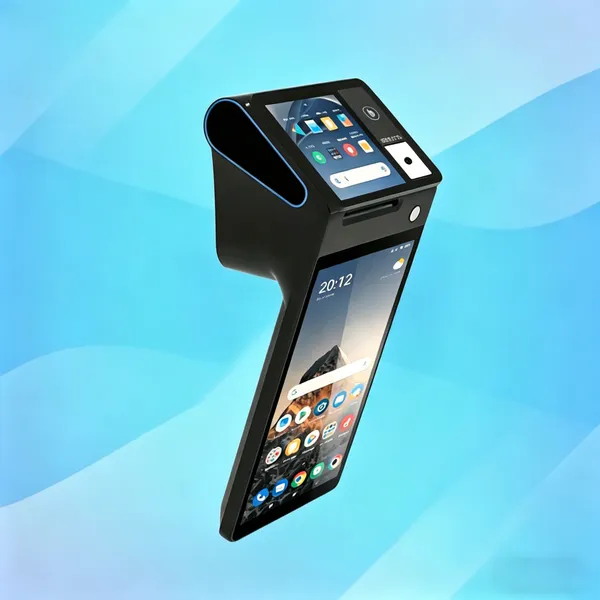
PDA Handheld POS Terminal, 4G WiFi BT Mobile Computer With NFC, 3600mAh Battery, for Warehouse Inventory Logistics Retail POS, Desktop POSUS$ 219 - 369MOQ: 1 Unit
-
Hilitand Thermal POS Receipt Printer, Handheld POS Terminal With 3.95 Inch Touchable Customer-ScreenThermal Printing for Retail Stores SUNMI/ZONSUS$ 219 - 369MOQ: 1 Unit
-
Hilitand Thermal POS Receipt Printer, Handheld POS Terminal With 3.95 Inch Touchable Customer-ScreenThermal Printing for Retail Stores SUNMI/ZONSUS$ 219 - 369MOQ: 1 Unit
-
POS PDA Receipt Printer Android 14 and 58mm High Speed Thermal Printer 8'' Touch Screen. Handheld Mobil Point of Sale Tablet Support 5GUS$ 219 - 369MOQ: 1 Unit
-
Desktop POS Terminal, 8 Inch HD Screen 88mm Thermal Printer 3600 MAh Android POS Compatible With Loyverse IREAP for Retail RestaurantUS$ 219 - 369MOQ: 1 Unit
-
Handheld PDA Printer Smart POS Terminal Portable Printers Intelligent Payment Terminal Function BT/WiFi/USB OTG/ 3G CommunicationUS$ 219 - 369MOQ: 1 Unit