 Business License

POS Machine vs. Traditional Cash Register: What’s the Real Difference?
At first glance, a POS machine and a traditional cash register may seem similar: both help businesses handle sales and payments. But under the hood, they are very different tools. One is a simple calculator with a cash drawer. The other is a full business management system.
If you’re wondering which one makes more sense for a modern business, here’s a clear and practical comparison.
What Is a Traditional Cash Register?
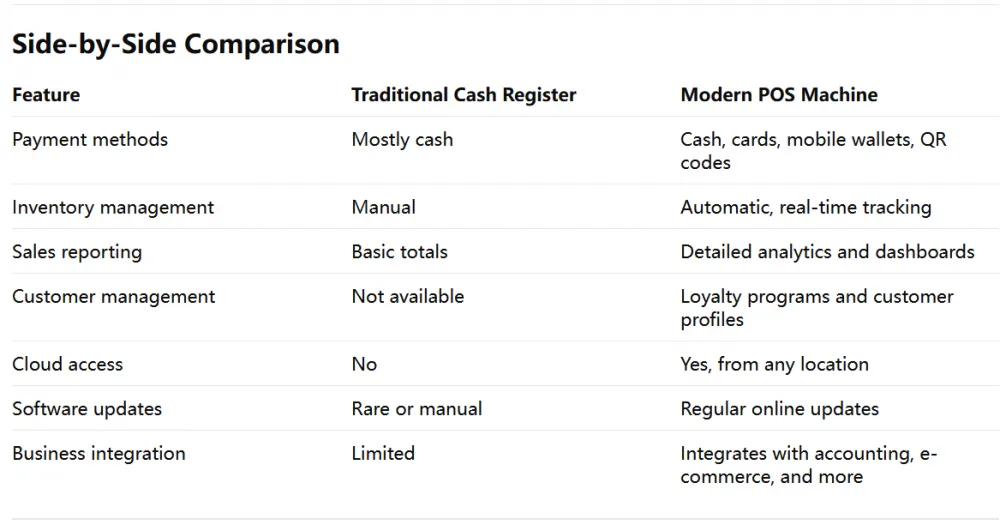
A traditional cash register is the classic machine found in stores for decades. It records sales, stores cash, and prints receipts. That’s about it.
Main features
Manual item entry or basic price lookup
Cash storage
Receipt printing
Basic sales totals
Traditional cash registers are reliable and easy to use, but they operate mostly as standalone devices with limited digital capabilities.
What Is a POS Machine?
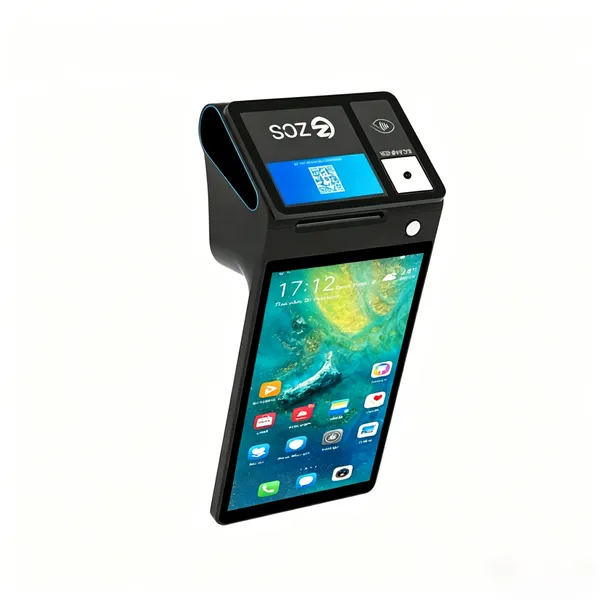
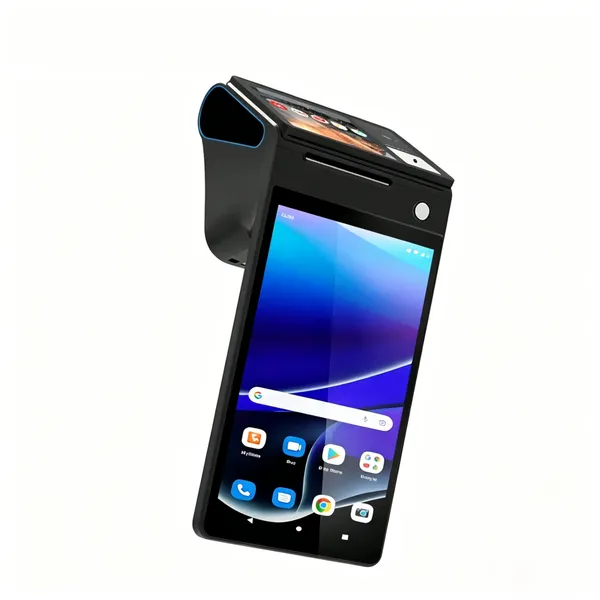
A POS (Point of Sale) machine is a digital system that combines payment processing with business management software. Modern POS systems can handle cards, mobile wallets, inventory, customer data, analytics, and much more.
Main features
Card and contactless payments
Inventory tracking
Sales reports and analytics
Customer loyalty programs
Cloud connectivity
Integration with e-commerce and accounting tools
In short, a POS machine is not just a register — it’s a business platform.
Why Businesses Are Moving to POS Systems
The biggest advantage of a POS system is automation.
Instead of manually counting stock or calculating daily sales, the system does it automatically. This saves time, reduces errors, and gives business owners better visibility into operations.
Real-world examples
A restaurant can track table orders, kitchen tickets, and customer preferences in one system.
A retail store can automatically update inventory after every sale and receive alerts when stock is low.
A café owner can view sales reports from home using cloud-based POS software.
Traditional cash registers simply can’t provide this level of insight.
Are Cash Registers Still Useful?
Yes — in some situations.
A traditional cash register may still work well for:
Very small businesses with simple cash transactions
Temporary setups with minimal sales volume
Businesses that do not need inventory tracking or digital reporting
They are often cheaper upfront and require less setup. However, the trade-off is limited functionality and less operational efficiency.
The Cost Factor
POS systems usually cost more initially because they include software subscriptions, payment processing, and sometimes cloud services. But many businesses find that the time savings, better inventory control, and improved customer experience quickly outweigh the extra cost.
Traditional cash registers have lower upfront costs, but they may create hidden costs through manual work and limited business insights.
The Bottom Line
A traditional cash register is like a basic calculator with a drawer. A POS machine is more like a smartphone for your business.
If your business only needs to accept cash and print receipts, a cash register may be enough. But if you want faster payments, real-time inventory, customer data, and smarter business management, a modern POS system is the clear winner.
Recently Posted
-
The Role of POS Systems in Hotel Front Desk and Restaurant Management
June 17, 2026In the hotel industry, guest experience is everything. From check-in to dining to checkout, every interaction matter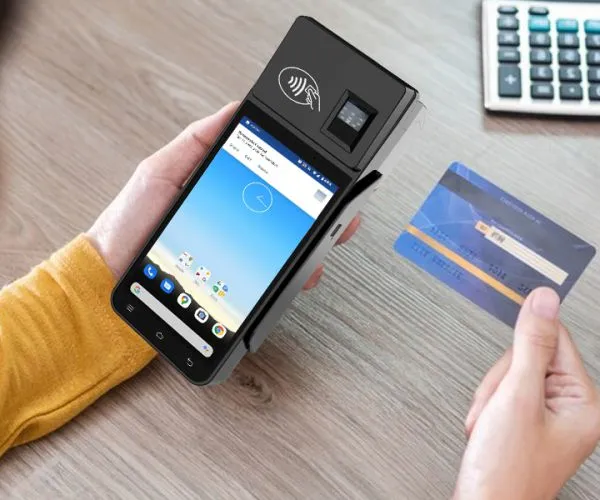 Read More
 -
How POS Systems Improve Order and Checkout Efficiency in Restaurants
June 17, 2026In a busy restaurant, speed and accuracy are everything. A delayed order or billing mistake can affect customer sati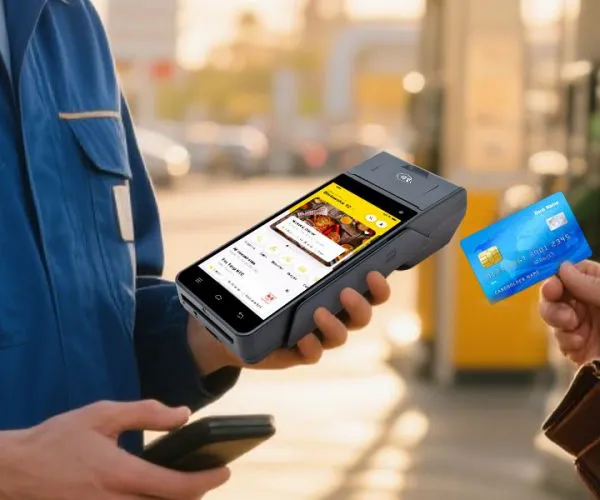 Read More
 -
How POS Systems Help Retailers Manage Inventory and Sales Efficiently
June 16, 2026In today’s fast-moving retail world, managing inventory and sales manually is no longer practical. Customers expect products to be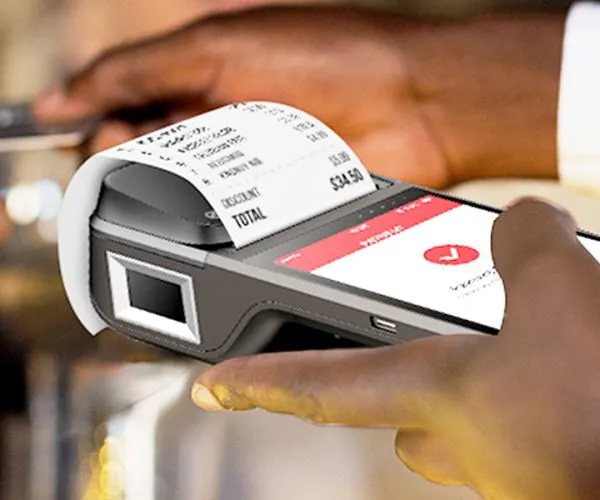 Read More
 -
Payment Options Explained: Cards, NFC, and QR Codes in Modern POS Machines
June 16, 2026Modern POS machines are like multilingual payment translators. Whether a customer inserts a card, taps a phone, or scans a QR code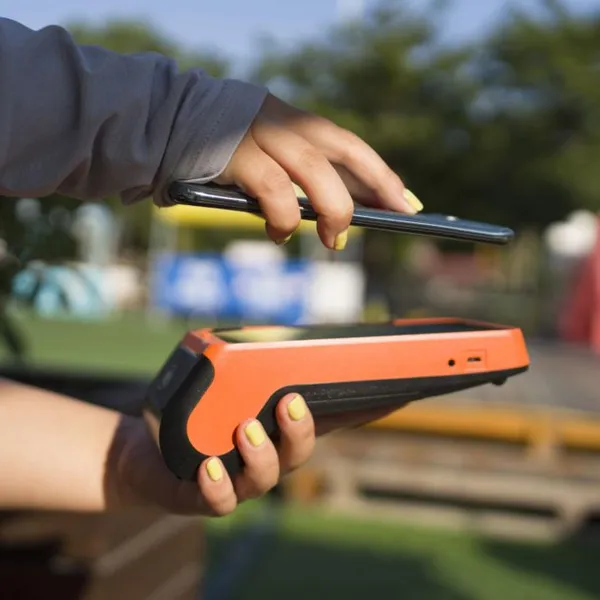 Read More

Contact Us
Recommended Products
-
 Z92P Secure Handheld Payment Terminal,Octa-Core Android POS With Dual SIM Slot,5MP Barcode Scanner Support Fiscal Module for Pharmacy & Kiosk CheckoutUS$ 219 - 260MOQ: 1 Unit
 -
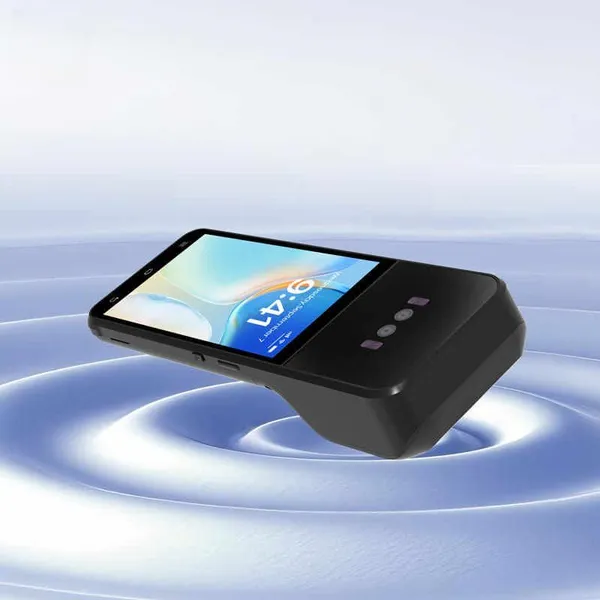
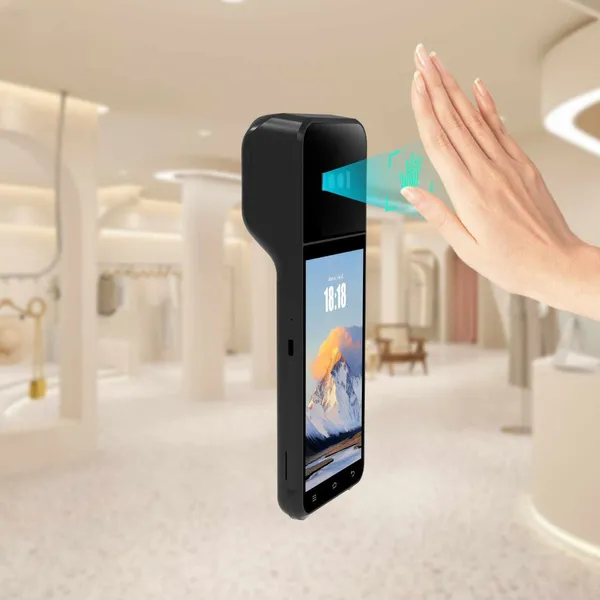
Z92P Portable Biometric POS Cash Register,Built-in Palm Vein Recognition + Thermal Receipt Printer,4G LTE GPS BT for Food Truck & Convenience StoreUS$ 219 - 260MOQ: 1 Unit
-
Z92P Contactless Palm Vein Payment PDA,5.5 Inch HD Touch Screen,EMV PCI Certified MSR IC NFC Reader Compatible With Loyverse IREAP for Small BusinessUS$ 219 - 260MOQ: 1 Unit
-
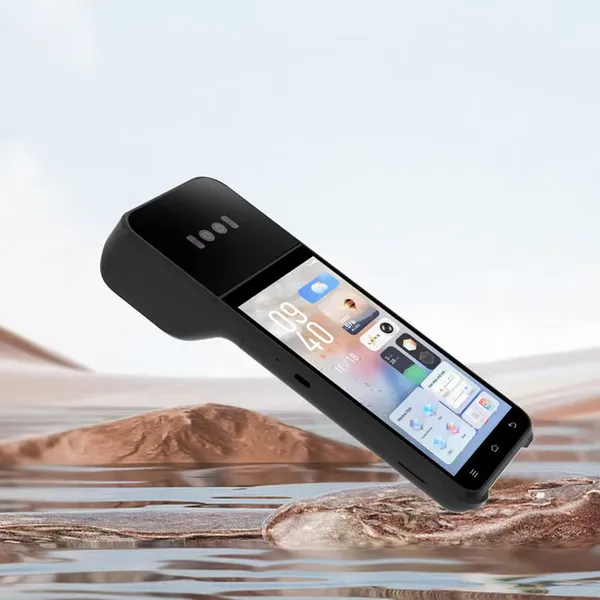
Z92P Palm Vein Handheld POS Terminal, Android13 All-in-One Machine With 58mm Thermal Printer,NFC 1D/2D QR Scanner 4G WiFi for Retail & Gas StationUS$ 219 - 260MOQ: 1 Unit
-
Z108P Secure Palm Vein POS System,Dual SIM PSAM Slot Multi-Port Terminal,EMV CE FCC Certified for Large Retail & Catering BusinessUS$ 219 - 309MOQ: 1 Unit
-
All-in-One Desktop Biometric Payment POS,Optional Fiscal Module & Cash Drawer,58/80mm Selectable Thermal Printing for Beauty & Clothing Chain StoreUS$ 219 - 309MOQ: 1 Unit
-
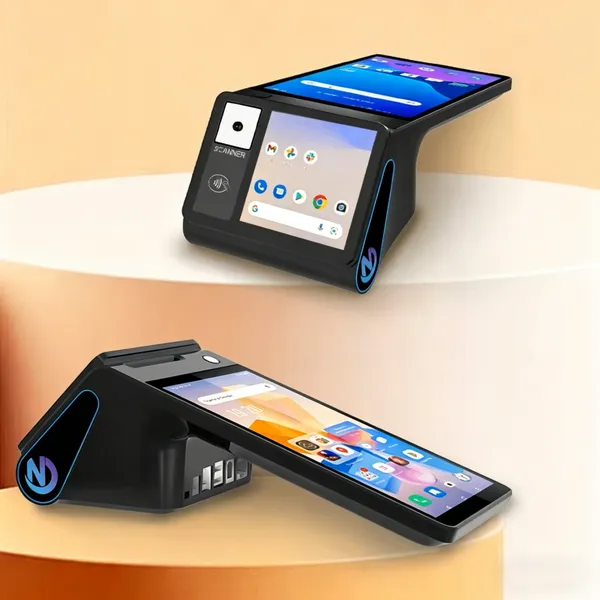
Z108P Flagship Dual Display POS Cashier Machine,Palm Vein Authentication + 5MP QR Scanner,GMS Certified 4G WiFi BT for Pharmacy & Grocery MartUS$ 219 - 309MOQ: 1 Unit
-
Z108P Contactless Palm Vein Biometric POS Terminal,3GB+16GB Up to 4GB+64GB,5-in-1 Card Reader Multi RJ45 RJ11 Port for Supermarket RetailUS$ 219 - 309MOQ: 1 Unit
-
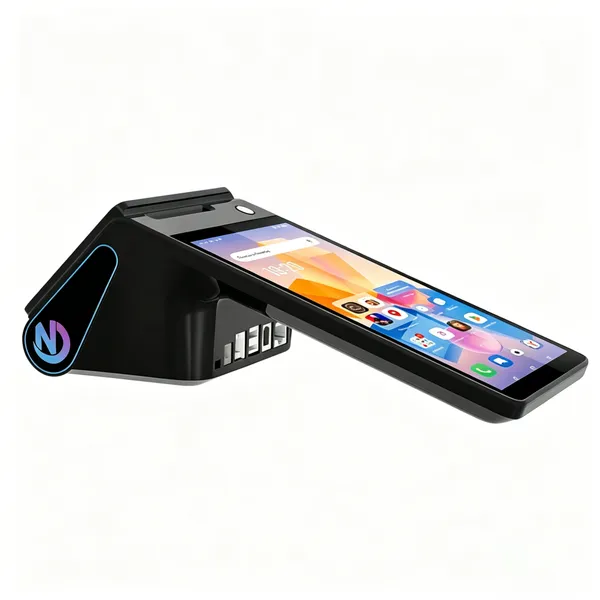
Z108P New Dual Screen Palm Vein Desktop POS,Android14 8 Inch Cash Register With Optional 80mm Auto-Cutter Thermal Printer NFC for Chain RestaurantUS$ 219 - 309MOQ: 1 Unit
-
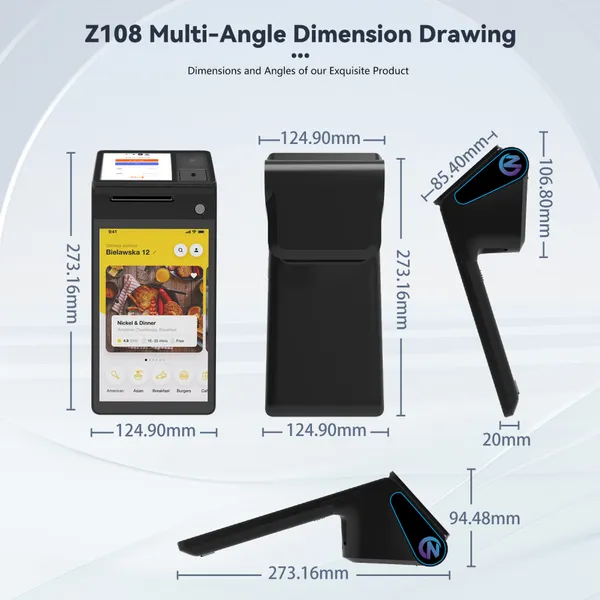
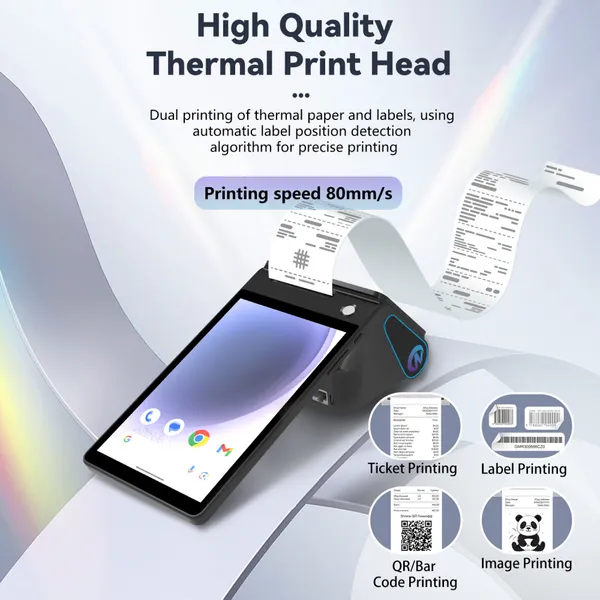
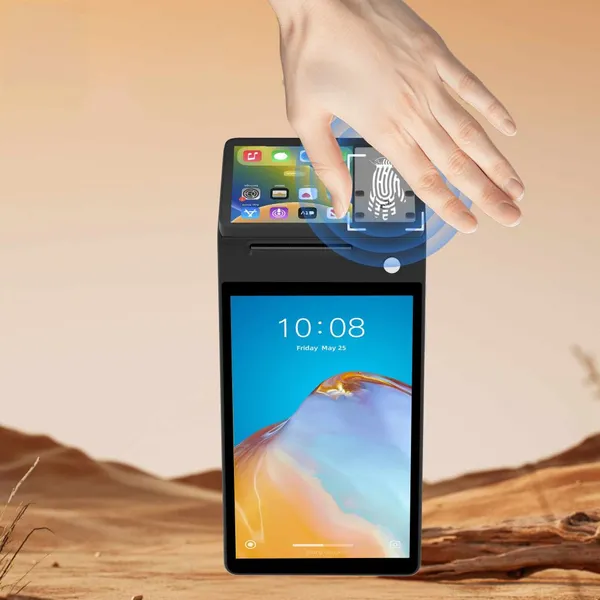
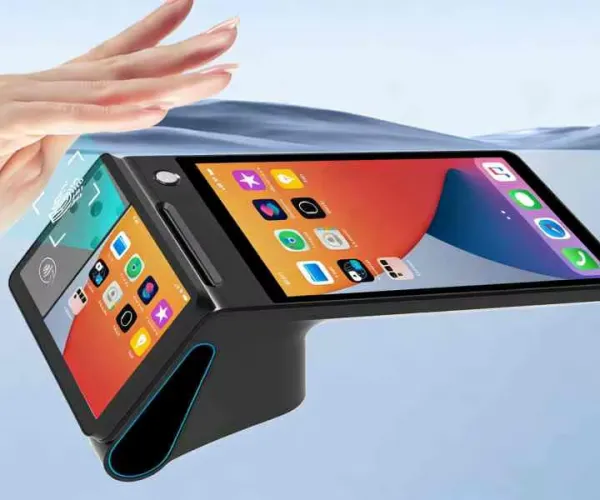
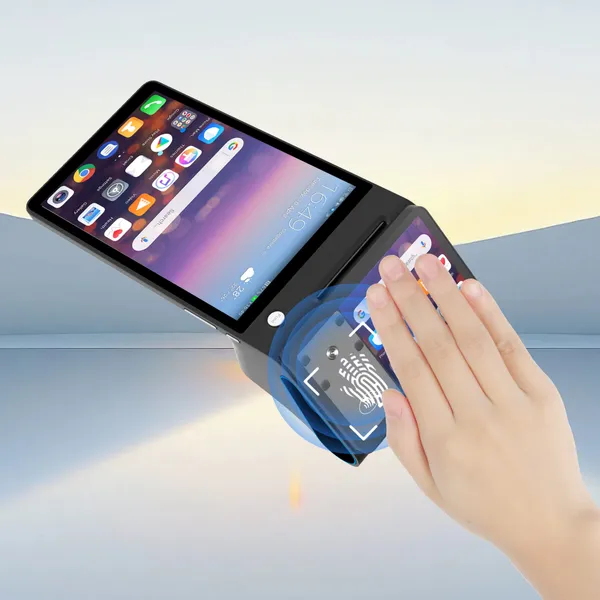
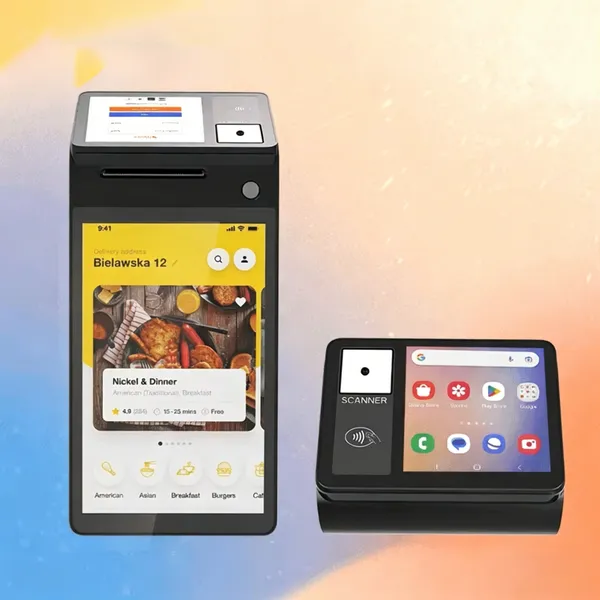
Z108 New Release Android POS Cash Register, Upgraded Thermal Printer 4GB+64GB Storage Wireless 4G POS Compatible With Global Retail POS SoftwareUS$ 219 - 369MOQ: 1 Unit
-
Marhynchus POS Receipt Printer Handheld Thermal Printer Thermal Printing 2GB 16GB WiFi BT 5.0 NFC 4G for Retail Stores Restaurants ZONS BrandUS$ 219 - 369MOQ: 1 Unit
-
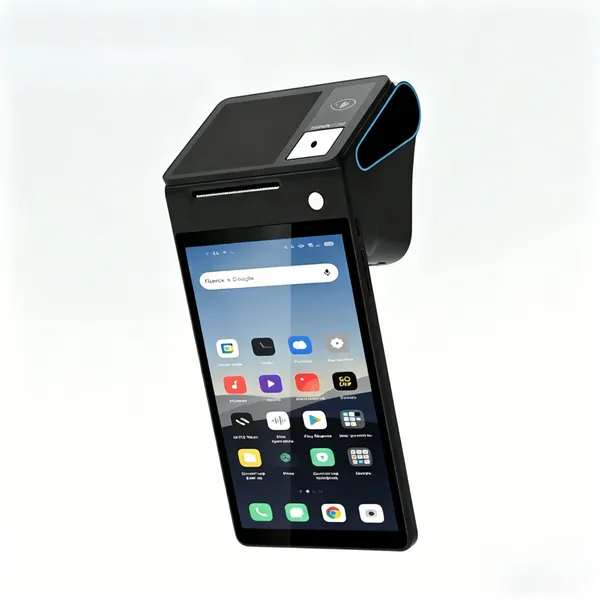
POS Terminal Receipt Printer 2.26/3.95 Inch Customer Screen IPS HD 8 Inch Touch Screen Scanning Thermal Printing Handheld Mobile POSUS$ 219 - 369MOQ: 1 Unit
-
Generic Handheld POS Receipt Printer High Speed 58/80mm Thermal Printer for Efficient Operation, Ideal for Retail Shops,Warehouse ManagementUS$ 219 - 369MOQ: 1 Unit
-
Hard Case Compatible With Square Handheld - Portable POS - NFC Machine Point of Sale Card Reader Travel Case (Black) Z108US$ 219 - 369MOQ: 1 Unit
-
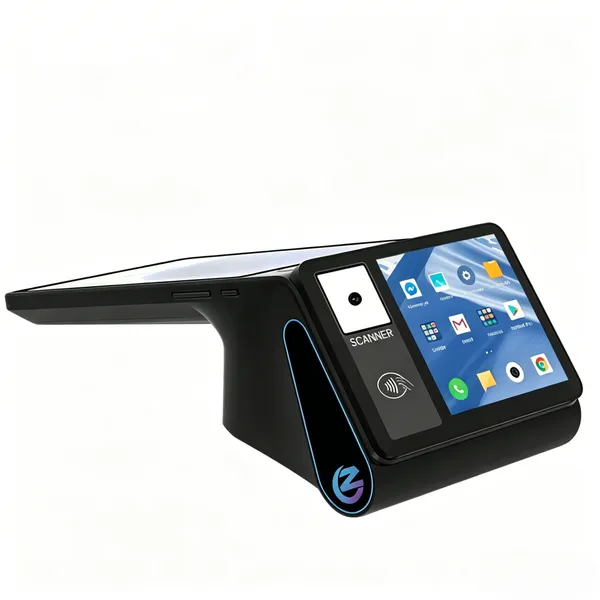
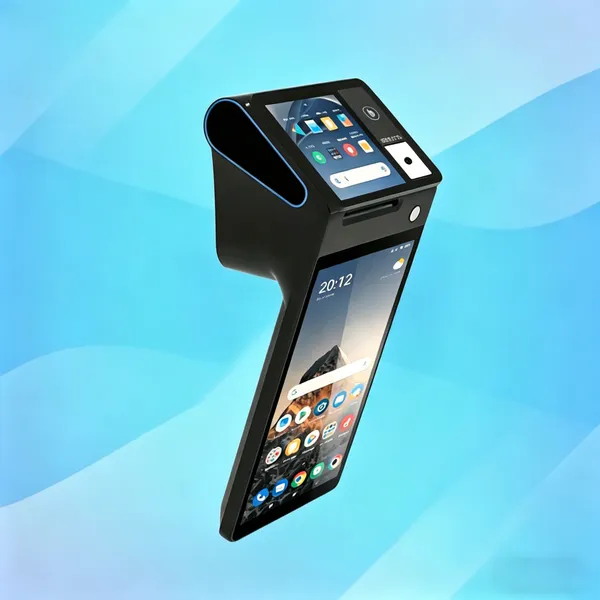
PDA Handheld POS Terminal, 4G WiFi BT Mobile Computer With NFC, 3600mAh Battery, for Warehouse Inventory Logistics Retail POS, Desktop POSUS$ 219 - 369MOQ: 1 Unit
-
Hilitand Thermal POS Receipt Printer, Handheld POS Terminal With 3.95 Inch Touchable Customer-ScreenThermal Printing for Retail Stores SUNMI/ZONSUS$ 219 - 369MOQ: 1 Unit
-
Hilitand Thermal POS Receipt Printer, Handheld POS Terminal With 3.95 Inch Touchable Customer-ScreenThermal Printing for Retail Stores SUNMI/ZONSUS$ 219 - 369MOQ: 1 Unit
-
POS PDA Receipt Printer Android 14 and 58mm High Speed Thermal Printer 8'' Touch Screen. Handheld Mobil Point of Sale Tablet Support 5GUS$ 219 - 369MOQ: 1 Unit
-
Desktop POS Terminal, 8 Inch HD Screen 88mm Thermal Printer 3600 MAh Android POS Compatible With Loyverse IREAP for Retail RestaurantUS$ 219 - 369MOQ: 1 Unit
-
Handheld PDA Printer Smart POS Terminal Portable Printers Intelligent Payment Terminal Function BT/WiFi/USB OTG/ 3G CommunicationUS$ 219 - 369MOQ: 1 Unit