 Business License

POS Machine Tips: Quick Operation Guide and Hidden Features You Should Know
Introduction
For many employees and business owners, a POS machine is one of the most frequently used devices every day.
However, many people only use the basic functions:
Enter product information
Receive payment
Print receipt
Modern POS terminals actually offer many useful features that can improve efficiency, reduce mistakes, and make daily operations easier.
Whether you operate a retail store, restaurant, café, or small business, learning these practical POS tips can help you save time and provide better service.
Tip 1: Learn Keyboard Shortcuts and Fast Actions
Many POS users perform every step manually.
However, many systems include quick operation functions that reduce unnecessary steps.
Examples:
Quick product search
Favorite product buttons
Fast checkout options
Recent transaction access
For businesses with many products, creating shortcut buttons for popular items can significantly speed up checkout.
For example, a café can create quick buttons for:
Coffee
Tea
Popular meals
Daily specials
Employees can complete orders much faster during busy hours.
Tip 2: Use Barcode Scanning Instead of Manual Entry
Manually entering product information creates two problems:
Slower checkout
Higher risk of mistakes
Barcode scanning solves this problem.
With a barcode scanner or built-in scanning camera, employees can instantly retrieve:
Product name
Price
Inventory information
This improves both speed and accuracy.
For retail businesses, barcode scanning is one of the most valuable POS features.
Tip 3: Take Advantage of Sales Reports
Many business owners underestimate POS reporting functions.
A POS system can provide useful information such as:
Daily sales
Best-selling products
Peak business hours
Employee performance
Instead of guessing what customers want, owners can make decisions based on real data.
For example:
A restaurant owner may discover that one menu item sells much better on weekends.
A retail store owner may find that certain products perform better during specific seasons.
Data helps businesses operate smarter.
Tip 4: Use Multiple Payment Options
Customers today expect payment flexibility.
A modern POS terminal may support:
Bank cards
NFC payments
QR payments
Mobile wallets
Offering multiple payment options creates a smoother customer experience.
The easier it is for customers to pay, the more likely they are to complete purchases.
Tip 5: Keep Your POS System Updated
Many users ignore software updates.
However, updates often improve:
Security
Performance
Compatibility
New functions
Regular updates help maintain stable operation and reduce technical problems.
Hidden Feature 1: Employee Management
Many POS systems allow businesses to create different employee accounts.
Managers can:
Track sales activity
Control permissions
Monitor transactions
This improves accountability and operational control.
Hidden Feature 2: Inventory Alerts
Some POS systems can automatically monitor stock levels.
When inventory reaches a certain limit, the system can remind staff to reorder products.
This helps prevent:
Empty shelves
Lost sales
Overstock problems
Hidden Feature 3: Customer Management
Advanced POS systems can store customer information and purchase history.
Businesses can use this data to create:
Loyalty programs
Special offers
Personalized promotions
This helps increase customer retention.
Tip 6: Train Employees Regularly
A powerful POS system is only effective when employees know how to use it.
Regular training helps staff:
Work faster
Reduce mistakes
Handle problems confidently
A few hours of training can save many hours of operational problems in the future.
Conclusion
A POS machine is much more than a payment device.
When used correctly, it can become a powerful business assistant that improves:
Checkout speed
Customer experience
Inventory management
Sales analysis
Daily efficiency
Many businesses only use a small percentage of their POS system’s capabilities.
By learning these simple tips and hidden features, businesses can unlock more value from their POS investment and create a smarter, more efficient operation.
Recently Posted
-
The Growth of Mobile POS in Global Markets: Why Portable Payment Solutions Are Becoming the Future
July 24, 2026IntroductionThe way businesses accept payments is changing rapidly.In the past, customers usually had to walk to a fixed checkout Read More
 -
Why Android POS Is Replacing Traditional POS Systems
July 24, 2026IntroductionFor many years, traditional POS systems dominated the retail and hospitality industries.Businesses relied on fixed ter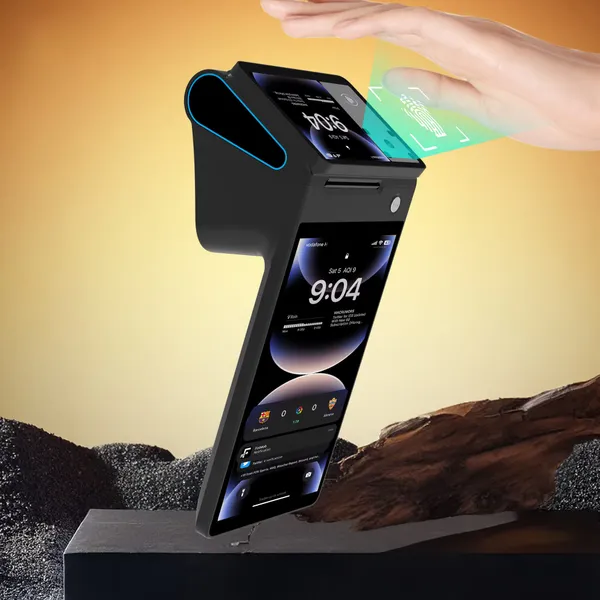 Read More
 -
POS Market Trends 2026: What Businesses Need to Know
July 24, 2026IntroductionThe global POS market is experiencing significant transformation.For decades, POS terminals were mainly used as simple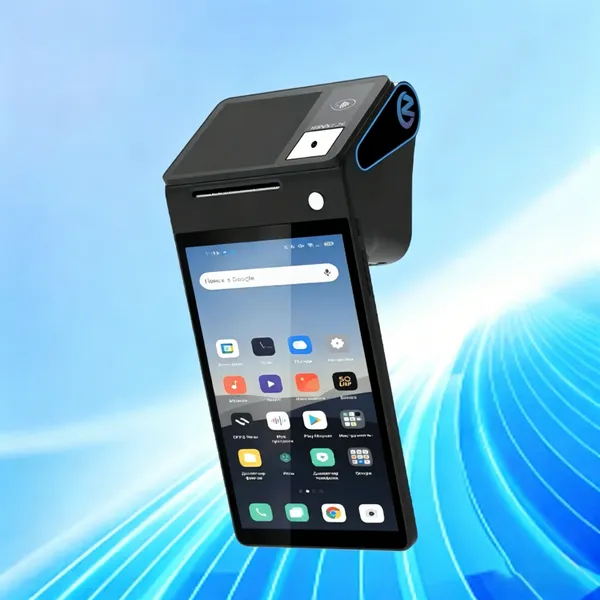 Read More
 -
Why Global Businesses Choose Professional POS Hardware Suppliers
July 23, 2026IntroductionThe global POS market continues to grow as businesses increasingly adopt digital payment and smart management solution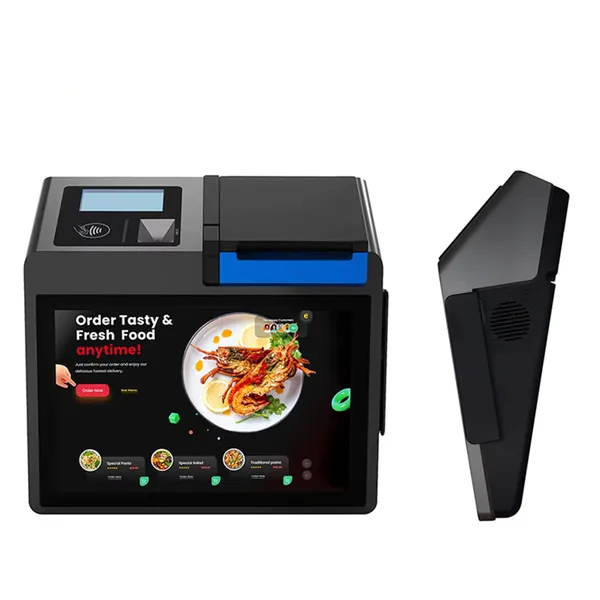 Read More

Contact Us
Recommended Products
-
 Z92P Contactless Palm Vein Payment POS Receipt Printer Handheld 4G 1D 2D QR NFC Thermal Printer With 5.0MP Camera,for Supermarket Small BusinessUS$ 219 - 260MOQ: 1 Unit
 -
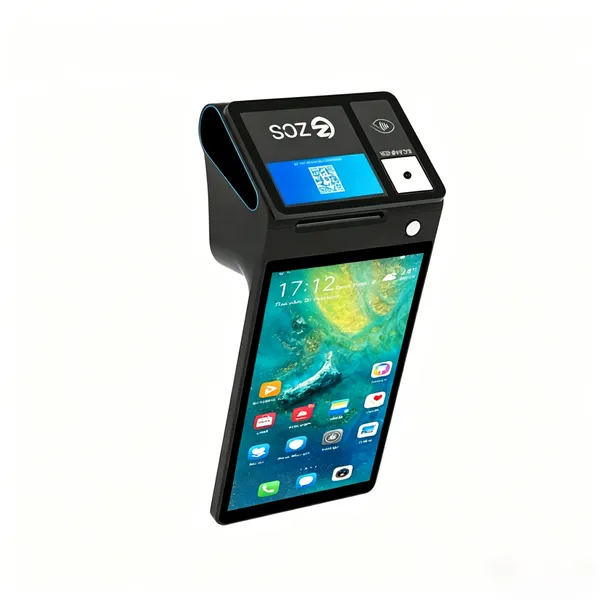
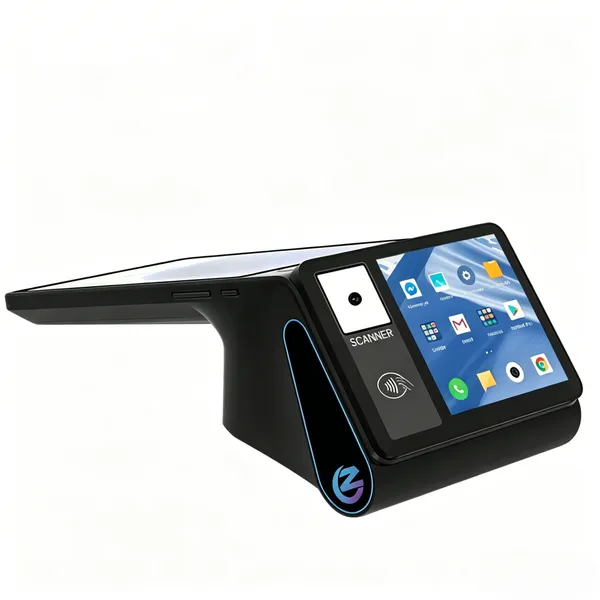
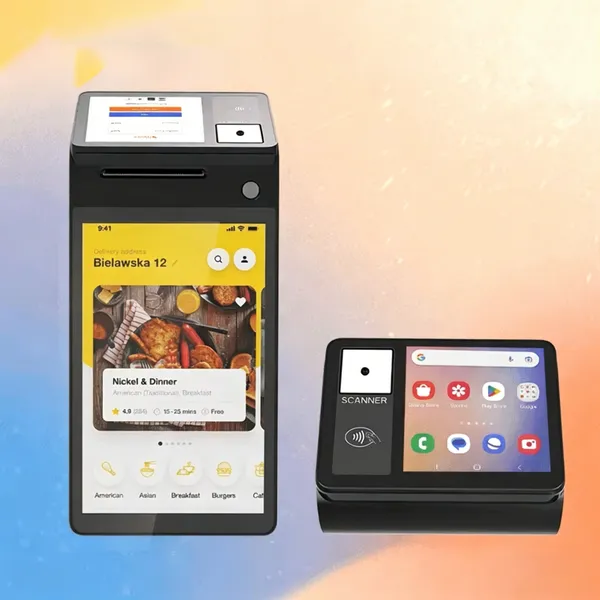
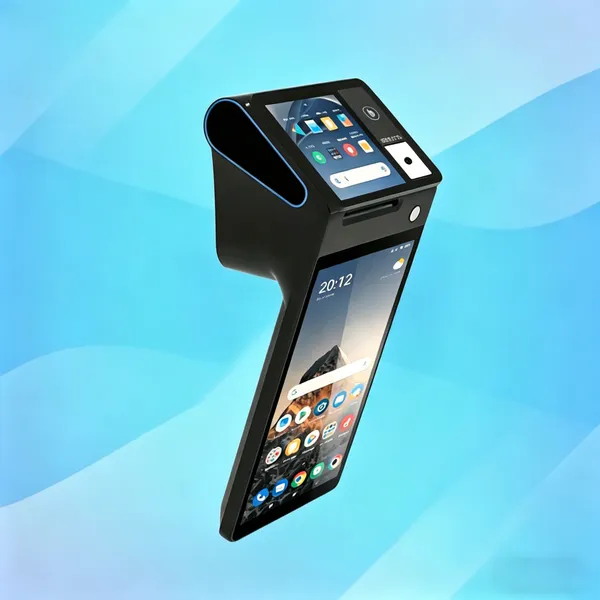
ZONS Thermal POS Receipt Printer, Handheld POS Terminal With 3.95 Inch Touchable Customer-ScreenThermal Printing for Retail Stores SUNMI/ZONSUS$ 219 - 369MOQ: 1 Unit
-
Marhynchus POS Receipt Printer Handheld Thermal Printer Handheld Point of Sale With NFC + Professional Barcode Scanner. 4G Network, 3GB Ram+32GB ROMUS$ 219 - 369MOQ: 1 Unit
-
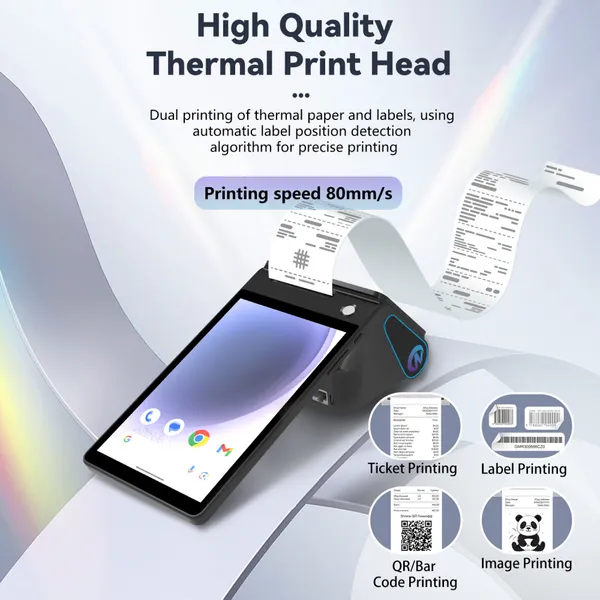
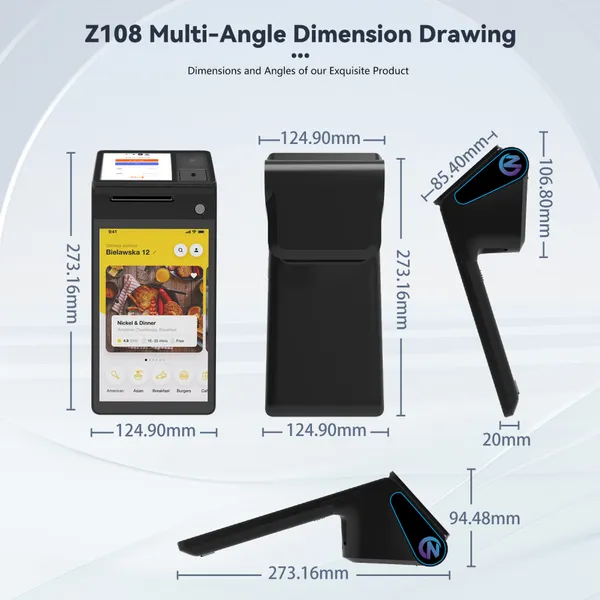
Z108 New Release Android POS Cash Register, Receipt Printer Android 14 and 58mm Thermal Printer 5.5’ Touch Screen With Global Retail POS SoftwareUS$ 219 - 369MOQ: 1 Unit
-
POS Terminal Receipt Printer 2.26/3.95 Inch Customer Screen Android 14 Support 4G:FDD-LTE,TD-LTE 3G: WCDMA 2G: GSM,GPRS Hot Spot 3GB Ram +16GB ROM&NFCUS$ 219 - 369MOQ: 1 Unit
-
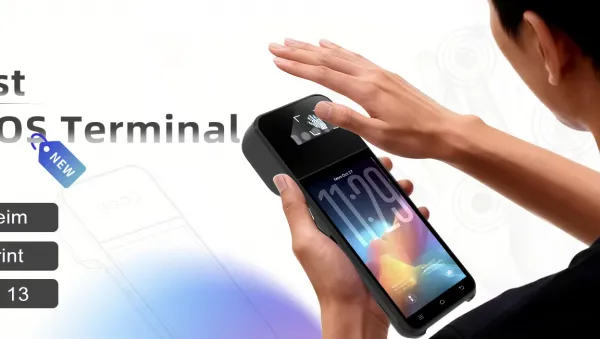
Z108P Handheld Printer Mobile POS Machine 5.5\" Touch Screen 58mm Thermal Printer for Warehouse Inventory Logistics Retail POS SystemUS$ 219 - 309MOQ: 1 Unit
-
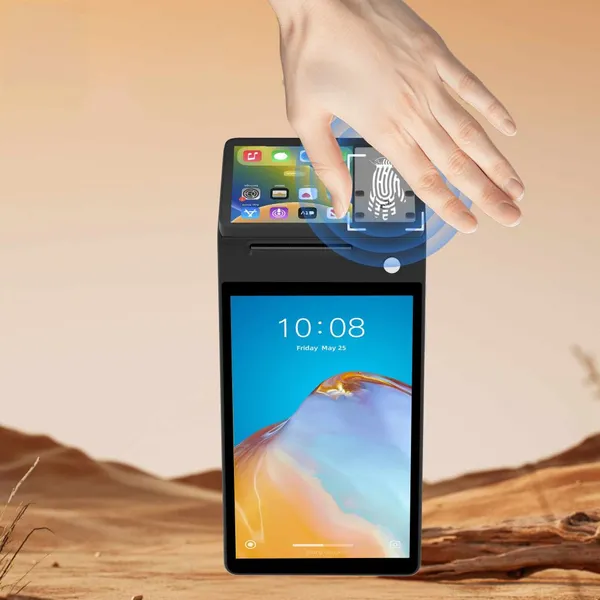
Z108P Contactless Palm Vein Biometric POS Terminal Handheld PDA Printer Mobile POS Machine Terminal Printer Android 14 Built-in Google Play and NFCUS$ 219 - 309MOQ: 1 Unit
-
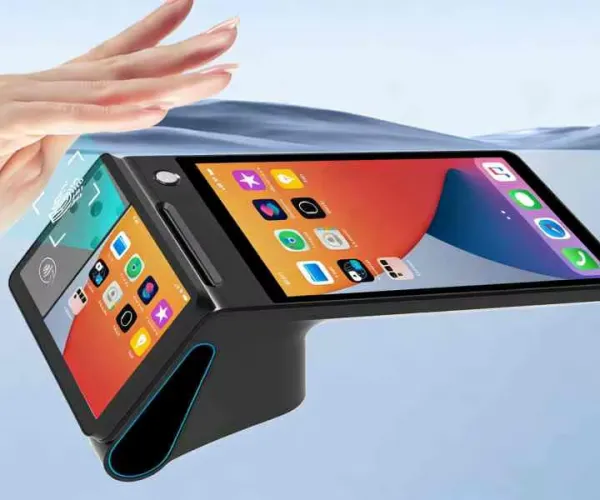
Z108P New Dual Screen Palm Vein POS, PDA Thermal Receipt Printer 5.6\" High Resolution and Clear Touch Screen Thermal Printer NFC for Chain RestaurantUS$ 219 - 309MOQ: 1 Unit
-
All-in-One Desktop Biometric Payment Barcode Scanner 2D 1D Handheld POS Terminal 5.5-inch Touchscreen PDA for Beauty & Clothing Chain StoreUS$ 219 - 309MOQ: 1 Unit
-
Z108P Secure Palm Vein POS System,Dual SIM PSAM Slot Multi-Port Terminal,EMV CE FCC Certified for Large Retail & Catering Business Handheld/DesktopUS$ 219 - 309MOQ: 1 Unit
-
Z92P Palm Vein Handheld POS Terminal, Android13 All-in-One Machine POS PDA Receipt/Label Printer,Symcode Android 14 Handheld POS Printer 3GB+32GBUS$ 219 - 260MOQ: 1 Unit
-
Z92P Portable Biometric POS Cash Register Receipt Printer, Handheld 4G PDA Terminal for Android 14 1D 2D Barcode Scanner Handhold POSUS$ 219 - 260MOQ: 1 Unit
-
Handheld Mobile POS PDA Terminal, 58mm Receipt Printer, WiFi Bluetooth, Perfect to Manage Queues, Online, Mobile & Takeaway OrdersUS$ 219 - 260MOQ: 1 Unit
-
Generic Handheld POS Receipt Printer High Speed 58/80mm Thermal Printer for Efficient Operation, Ideal for Retail Shops,Warehouse ManagementUS$ 219 - 369MOQ: 1 Unit
-
Hard Case Compatible With Square Handheld - Portable POS - NFC Machine Point of Sale Card Reader Travel Case (Black) Z108US$ 219 - 369MOQ: 1 Unit

-
PDA Handheld POS Terminal, 4G WiFi BT Mobile Computer With NFC, 3600mAh Battery, for Warehouse Inventory Logistics Retail POS, Desktop POSUS$ 219 - 369MOQ: 1 Unit
-
Hilitand Thermal POS Receipt Printer, Handheld POS Terminal With 3.95 Inch Touchable Customer-ScreenThermal Printing for Retail Stores SUNMI/ZONSUS$ 219 - 369MOQ: 1 Unit
-
POS PDA Receipt Printer Android 14 and 58mm High Speed Thermal Printer 8'' Touch Screen. Handheld Mobil Point of Sale Tablet Support 5GUS$ 219 - 369MOQ: 1 Unit
-
Desktop POS Terminal, 8 Inch HD Screen 88mm Thermal Printer 3600 MAh Android POS Compatible With Loyverse IREAP for Retail RestaurantUS$ 219 - 369MOQ: 1 Unit
-
Handheld PDA Printer Smart POS Terminal Portable Printers Intelligent Payment Terminal Function BT/WiFi/USB OTG/ 3G CommunicationUS$ 219 - 369MOQ: 1 Unit